




Skip to content

Cascade by Pix3l

Long-form in.Short-form out.Every platform.

Eight AI agents turn one long video into captioned clips, copy and thumbnails for TikTok and YouTube, on your schedule and in your voice.

  • You review every post
  • No watermarks, ever
  • TikTok and YouTube today. More soon.
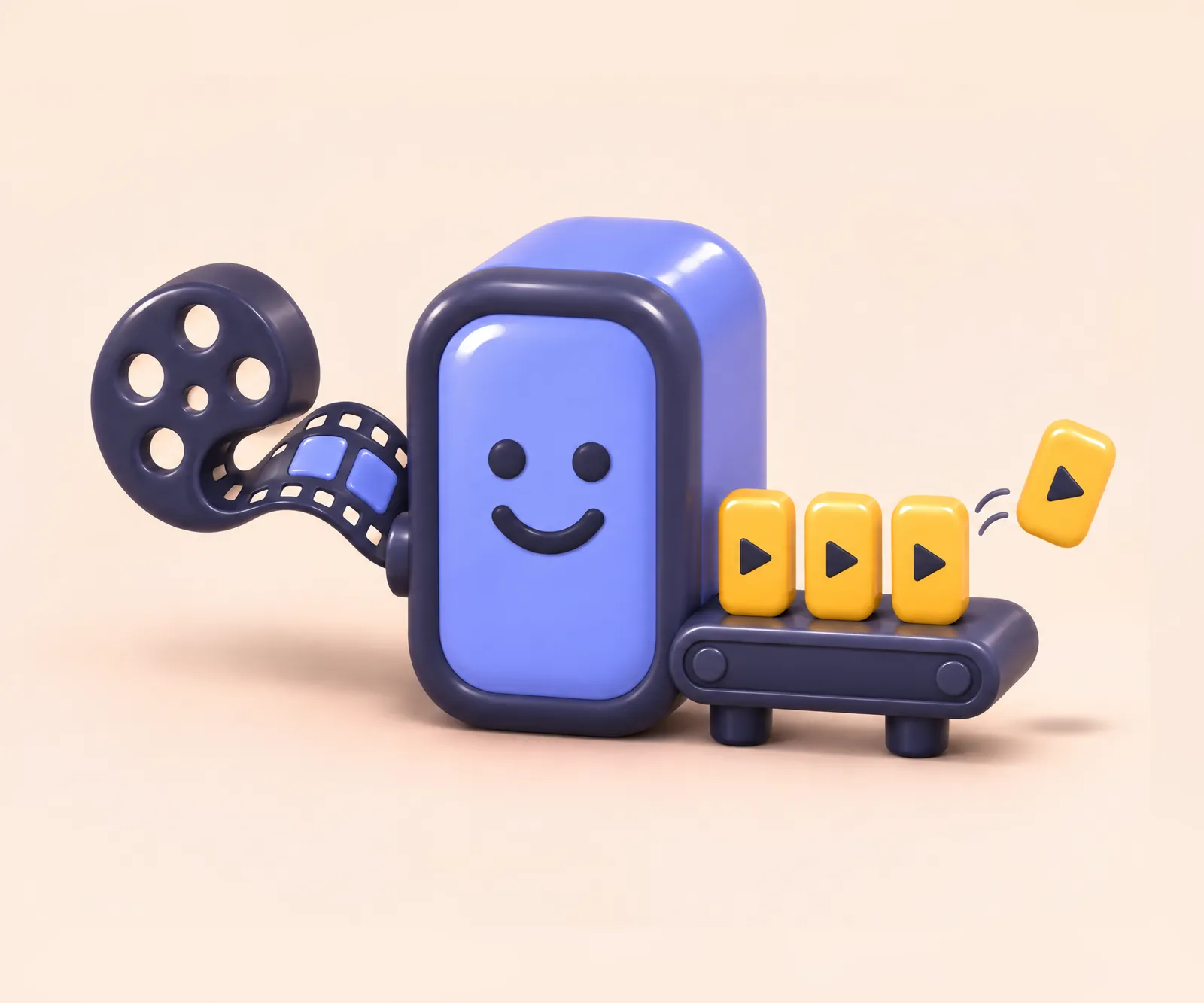
A smiling clay machine pulls a reel of film in and sends short vertical clips out on a conveyor.

How it works

One upload. Many posts. Your call on every one.

Cascade does the cutting, captioning and copywriting. You do the deciding.

  1. 1

    Upload one long video

    Drop in a podcast, interview, webinar, talk or stream replay. Pick TikTok, YouTube or both, and Cascade starts the moment the upload finishes.

  2. 2

    Review what the agents made

    Watch each clip, trim it, fix a caption, rewrite the copy or swap the thumbnail. Skip anything you don't love. Nothing is final until you approve it.

  3. 3

    Publish on your schedule

    Approved posts go to your TikTok account and YouTube channel at the times you picked. Move or cancel any post right up until it goes out.

Behind each step, a crew of AI agents does the work. Meet the agents

The crew

Meet the agents

Eight AI agents, each with one job. Syra conducts the handoffs, and the line always stops at your review before Atlas posts anything.

Orchestration

Syra · The Conductor

Runs every project from upload to post. Syra hands work from one agent to the next, keeps you posted on progress, and picks up where things left off if anything fails.

  1. 01

    Ingestion and transcription

    Oracle

    The Empath

    Transcribes every word with timestamps and speakers, and maps the scenes, so cuts land on clean breaks.

  2. 02

    Highlights and clips

    Iris

    The Framer

    Finds the moments with a hook and a payoff, cuts them to 9:16, keeps faces in frame and burns in kinetic captions.

  3. 03

    Thumbnails

    DaVinci

    The Alchemist

    Picks the sharpest, most expressive frames and turns them into YouTube thumbnails and TikTok covers.

  4. 04

    Copywriting

    Echo

    The Linguist

    Writes titles, captions and hashtags for each platform, inside each platform's limits.

  5. 05

    Brand voice

    Nikola

    The Visionary

    Checks every line against your brand voice and the words you avoid, and flags anything off.

  6. 06

    Scheduling

    Chronos

    The Architect of Time

    Proposes posting times that space your clips out. Change any of them with a drag.

  7. 07

    Review

    You

    The final say

    Nothing moves past this point until you approve it. Edit, trim, reschedule or skip any clip.

  8. 08

    Publishing

    Atlas

    The Mentor

    Posts each approved clip at its time, retries when a platform hiccups, and tells you when it's live.

What you get

Everything a clip needs to post

Every clip comes out shaped for the platform it's headed to, and every piece of it stays yours to change.

  • Vertical clips that keep faces in frame

    Each moment is cut to 9:16 with framing that follows the speaker, so a wide podcast shot still works on a phone.

  • Kinetic captions, burned in

    Word-timed captions in styles like Pop, Karaoke, Minimal and Bold box, kept clear of each app's buttons. Fix any word before you post.

  • Copy for each platform

    TikTok captions and hashtags, YouTube titles, descriptions and tags, each written to fit that platform. Every word stays editable.

  • Thumbnails and covers

    DaVinci suggests YouTube thumbnails from your best frames. For TikTok, you pick the cover frame yourself.

  • A searchable transcript

    Every word with timecodes and speakers. Click a line to jump there, or turn a moment Iris skipped into a clip of its own.

  • Your full video on YouTube, too

    Post the long version alongside the Shorts, with a title, a description, chapters drawn from its moments, and a thumbnail.

  • Copy that sounds like you

    Tell Cascade how you talk, the words you avoid and the calls to action you use. Echo writes that way and Nikola checks every line.

  • A calendar you control

    See every scheduled post by week or month, across TikTok and YouTube. Move or cancel any post before it goes out.

Where it publishes

TikTok and YouTube today. More soon.

Cascade posts through each platform's official API, to accounts you connect yourself. Disconnect either one whenever you like.

TikTok

Vertical video posts

  • Posts to your own account after you review each clip. Cascade never auto-publishes to TikTok.
  • You pick who can see every post. There's no default.
  • Comments, Duet and Stitch start off. Turn on the ones you want.
  • Disclose promotional or branded content when it applies.
  • Prefer to finish in the app? Send the clip to your TikTok inbox instead.

YouTube

YouTube Shorts and full-length videos

  • Uploads to the channel you choose, at the time you approved.
  • You set the title, description, tags and visibility for each upload.
  • You answer whether it's made for kids and whether it contains altered or synthetic content.
  • Adds your chosen thumbnail when your channel supports custom thumbnails.
  • Full-length uploads get suggested chapters, drawn from their moments.

Coming soon. Same review flow, more places to post.

  • Instagram
  • Facebook
  • LinkedIn

Your control

Nothing posts without your OK

Cascade does the busywork. You make every call that matters, on every post.

Read exactly what Cascade accesses, why, and how long it keeps it in the Privacy Policy.

  • You approve every post

    Clips, copy and thumbnails wait in your review queue. Approve, edit or skip each one, and nothing goes out until you do.

  • TikTok privacy is always your pick

    For every TikTok post you choose who can see it, which interactions are on, and any disclosures. Cascade never picks for you.

  • AI drafts. You decide.

    Every title, caption and hashtag is a suggestion you can rewrite. Cascade never adds its name, links or a watermark to your posts.

  • Your accounts stay yours

    You connect TikTok and YouTube on their own sign-in pages, so Cascade never sees your passwords. Access tokens are encrypted, and Disconnect revokes them.

  • Your videos aren't training data

    Cascade doesn't sell your data, and doesn't use your videos, audio or transcripts to train AI models.

  • Leave whenever you like

    Disconnect an account, delete a project, or delete your whole account at any time. When you ask, Cascade deletes your data within 7 days.

Cascade's use of information received from Google APIs will adhere to the Google API Services User Data Policy, including the Limited Use requirements.

FAQ

Questions, answered

The short version of how Cascade works, what it touches, and what it never does.

What kind of videos work best?
Anything with people talking: podcasts, interviews, webinars, talks, tutorials, panels and stream replays. Cascade reads the transcript to find moments, so clear speech gives the best clips.
Which platforms can Cascade post to?
TikTok and YouTube, including YouTube Shorts and full-length uploads. Instagram, Facebook and LinkedIn are coming soon.
Will Cascade post anything without asking me?
No. Every post waits for your approval. On TikTok, you review each post and choose its privacy level yourself, every time. You can move or cancel any scheduled post until it goes out.
Can I edit what the AI writes and cuts?
Yes, all of it. Trim clips, fix captions, rewrite titles and descriptions, change hashtags, swap thumbnails or skip a clip entirely. Cascade never posts text you haven't had the chance to change.
Who owns the clips?
You do. You keep every right to your videos and everything Cascade makes from them. Cascade only uses your content to make and post your clips. The details are in the Terms of Service.
Is my content used to train AI?
No. Cascade uses Anthropic's Claude to find highlights and write copy, and ElevenLabs to make transcripts. They process your content only to return results to Cascade, and neither Cascade nor its providers use your audio, video or transcripts to train models.
What does Cascade access on my TikTok and YouTube accounts?
Only what it needs to post for you. On TikTok: your display name and avatar, your posting settings, and the status of posts Cascade sends. On YouTube: your channel name and ID, and the status of videos Cascade uploads. Cascade never sees your passwords, and it doesn't read your messages, comments or other videos. The full list is in the Privacy Policy.
How do I disconnect an account or delete my data?
Use Disconnect on the Connections page, or remove Cascade from your Google Account permissions or TikTok's app settings. You can delete projects or your whole account in Settings, or email privacy@pix3l.co. Cascade deletes your data within 7 days of your request.
Does Cascade add a watermark?
Never. Your clips go out with your captions and your copy, and nothing of ours.
I have another question.
Email support@pix3l.co and we'll get back to you.

Ready when you are

Your next long video is already full of clips.

Upload it, review what Cascade finds, and post to TikTok and YouTube on your schedule.

Start free

Questions first? support@pix3l.co